Scanned products
Magic Link
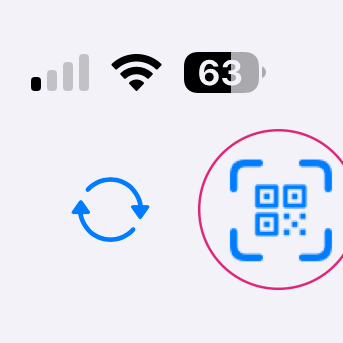 Press the “magic-link” icon located at the top right of the screen in the iPhone app. Then scan the code.
No product synchronized yet
Press the “magic-link” icon located at the top right of the screen in the iPhone app. Then scan the code.
No product synchronized yet
Discover all the products supported by our system